Website try-on
See yourself on the page before you buy.
Paste a product URL, add one photo, and fitcheck rebuilds the store page with you wearing the piece.
The store’s model, restyled as you
Same product, same shot. fitcheck keeps the store’s page and swaps in your photo.
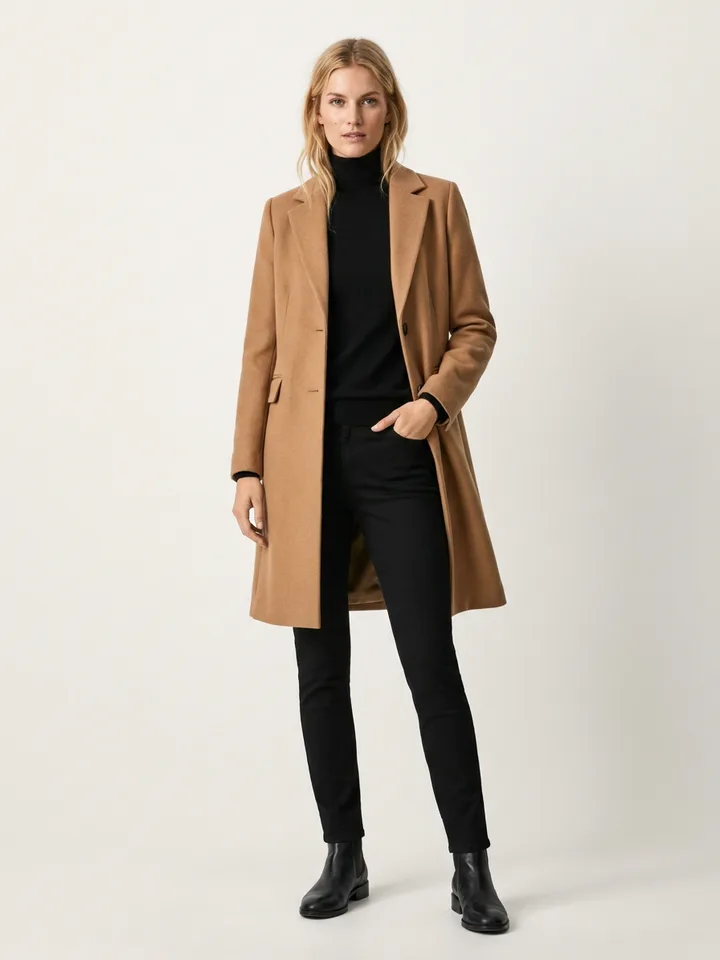
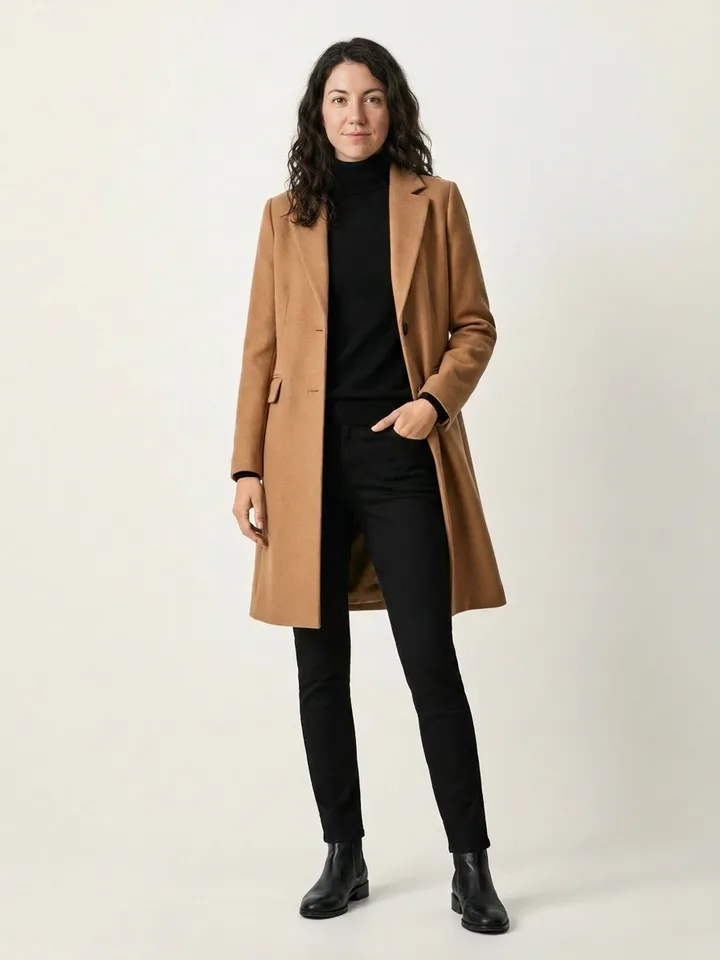
From a link to you on the page, in one step
Paste a product URL
Drop in any clothing product page. fitcheck reads the photos, price, and layout straight from the store.
Add one photo of you
Upload a single full-body shot. It stays on your device until you choose to fit-check a page.
Preview yourself in place
The store page comes back with you wearing the piece. Checkout hands off to the original site.
Your photo, handled with care
fitcheck needs one photo to put you on the page. Here is exactly what happens to it, and what never does.
Read the privacy policy- Never stored
- Your source photo is sent to generate the try-on, then dropped. fitcheck keeps the result, not the photo you uploaded.
- Used only for your try-on
- It goes to the AI provider through Vercel AI Gateway to render you on the page. Nothing else, nothing resold.
- Yours to clear
- Generated images sit in private storage. Delete them anytime, and anonymous ones clear on their own schedule. Signed in, they stay until you say so.